For this week’s post, we would like to take a look at collusion and the quiz activity. Is collusion something you have had to deal with in your course(s)/teaching experience? Well this blog post is for you! Whether your quiz is for ungraded practice quizzes (informal assessments) or formal graded quiz activities in myCaveHill eLearning, the following insight and tips may be useful to you.
A – What is Collusion?
As explored in our more recent posts, assessments are not only essential in measuring and improving learning outcomes, but they are integral in learning itself. Whether delivered online or face-to-face, assessments measure the extent to which the learners have accomplished the learning outcomes (i.e. to what extent has learning taken place?) . But with the gradual prevalence of online assessments, the increased possibility of collusion or academic dishonesty is a growing concern. Collusion may be understood as students intentionally collaborating on an assessment without authorization, and submitting it as their individual effort.
Not only does collusion compromise academic integrity, it also skews the validity of the learners’ performance in a course or assessment, and provides inaccurate information on their learning and the accomplishment of the learning outcomes. Collusion therefore jeopardizes the quality and efficacy of the teaching and learning process, have adverse implications on the learners’ perceived skill-set and readiness for the world of work, undermine the facilitator’s reflective practices, and misinform improvements in course curricula.
B – Curbing Collusion in The MyCaveHill eLearning Quiz Activity
The quiz activity in MyCaveHill eLearning is one avenue through which collusion can occur. As such it is important that certain conditions/configurations are enabled when using such assessment activities in your course. Although it is difficult to entirely eradicate possible collusion in some online course assessments, there are many simple ways in which collusion can be substantively reduced and/or prevented. Here are some tips that may help you in curbing collusion in your quiz assessments:
Higher Order Thinking:Ensure the questions that comprise your quiz require higher order thinking. Avoid question items that simply require students to “identify” or “list” but include questions that require them to “assess” or “compare” – this is particularly applicable to both mid-term and end-of-term assessments. Rather than including simple quiz items where students can easily respond by finding answers through a simple search online or in their textbooks, create questions that are on the analysis, synthesis, and evaluation levels (Bloom, 1956). Such questions require students to authentically demonstrate their mastery/proficiency of the course content as they are required to analyze, infer, compare, create, compose and/or evaluate as opposed to asking a friend or trying to “Google” the answer.
Time Management: Ensure that appropriately strict time limits are enabled. The time/duration students are given to complete an online quiz should be based on the difficulty level/requirements of the quiz items. To that end, the length of the question text/prompt/stem, the process of elimination, the complexity of the question, question type (e.g. short-answer vs multiple choice items), required calculations should be considered. An appropriate time limit reduces the likelihood of students being able to use external resources to research answers during the quiz. Students must rely on their preparation, knowledge, problem-solving and critical thinking skills to complete the quiz.
Randomization: Ensure that there is randomization in your quiz. Randomization should be enabled both in the questions and answers in your quiz, thus reducing the probability of any two students getting the exact same order of quiz items/questions and possible answers in a multiple-choice quiz (MCQ). This makes it more difficult for students to share questions and answers with each other as the quiz less predictable and thereby reduces successful collusion. To enable this feature in MyCaveHill eLearning:
Create your quiz,
Click on the activity on your course homepage,
Click on the blue gear button at the top of the page,
Select “Edit Quiz”
Click on the “Shuffle Items” checkbox at the top of the page/questions list.
You may also shuffle the multiple-choice answers within question items by going to the Quiz Settings page and clicking “shuffle within questions”
Click “Save and Return to Course”
Diverse Question Types: Ensure that your quiz comprises an eclectic set of quiz item/question types. For example, your quiz activity may comprise a range of multiple-choice questions (MCQs), as well as True or False, matching and short answer questions. Not only does this combination of question-types help to develop student’s higher order skills and prompts them to produce more contextual responses (as opposed to generic ones), it also makes collusion more difficult. It is much more difficult for students to give the same (verbatim) responses as their peers for short-answer items with explanations (with supporting data, evidence or narrative) based on their unique understanding of the course content.
Limit the Questions Displayed:Ensure that only 1-3 questions are displayed on a page. In addition to causing bandwidth strain and delayed page loading, having multiple questions on a page makes it easier for the students to review all the quiz items/questions, share them with their friends (via screenshots), or use multiple tabs to research the answers to the questions. As such, we recommend that you configure your quiz to display at least 1-3 questions items per page (depending on the number of items in the quiz.
Question Banks: Ensure that your quiz/question items pull from a large question bank. In addition to storing your items for use in multiple quizzes and/or courses, the question bank allows you to configure your quiz activity so it pulls a specific number of questions/items from a larger pool or bank. For example, your quiz may be set to comprise 20 quiz items/questions, but it may pull these 20 items from a pool of 60 questions. You may also continue to add question items in your question bank for subsequent use at anytime. Furthermore, you may use categories/topics in your question bank and configure your quiz to pull from specific categories. For example, a quiz of 20 questions/items may pull five questions/quiz items from four different categories. This ensures that the quiz is not fundamentally different though randomized (that means each student is assessed on the same level of difficulty). It is important to note that this feature works best with the aforementioned points.
Delay score availability: Ensure that quiz scores and/or feedback are provided AFTER the quiz is closed/unavailable to all students. Set a later date after the testing window ends for students to see their scores and feedback. This ensures that students cannot see the answers and advise other students who have not yet completed the quiz. As such, we recommend that you do not make the score available for immediate view after test completion.
Academic Integrity: Ensure that students are reminded of the university policies regarding academic integrity and the penalties for disregard of the same. In addition to placing this on your course outline, you may also consider including such guidelines in the quiz instructions/introduction. This may serve as a deterrent for some students considering collusion.
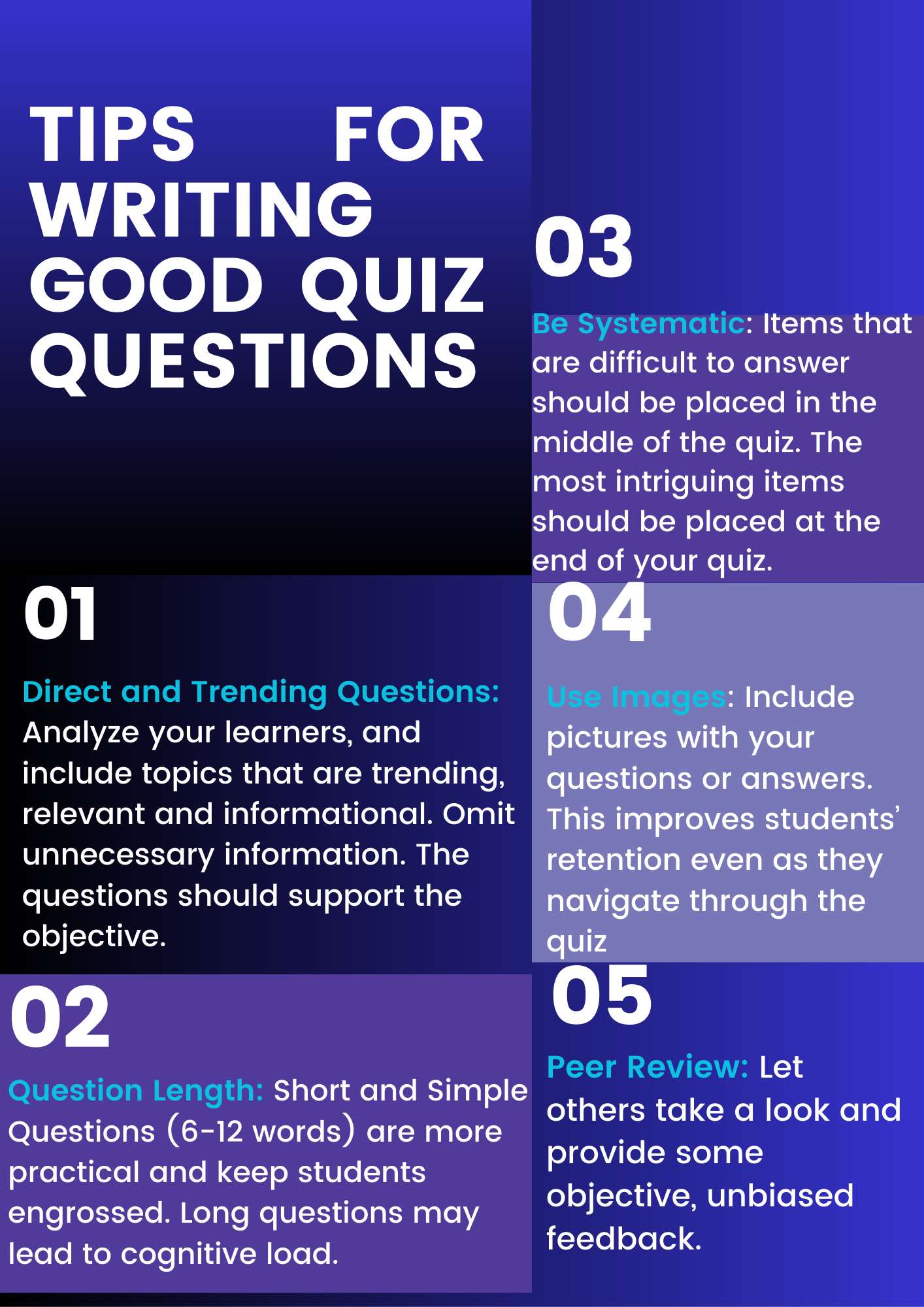
For additional tips on writing exemplary quiz questions, you may also consider the following illustration:
C – More About the Quiz Activity in MyCaveHill eLearning
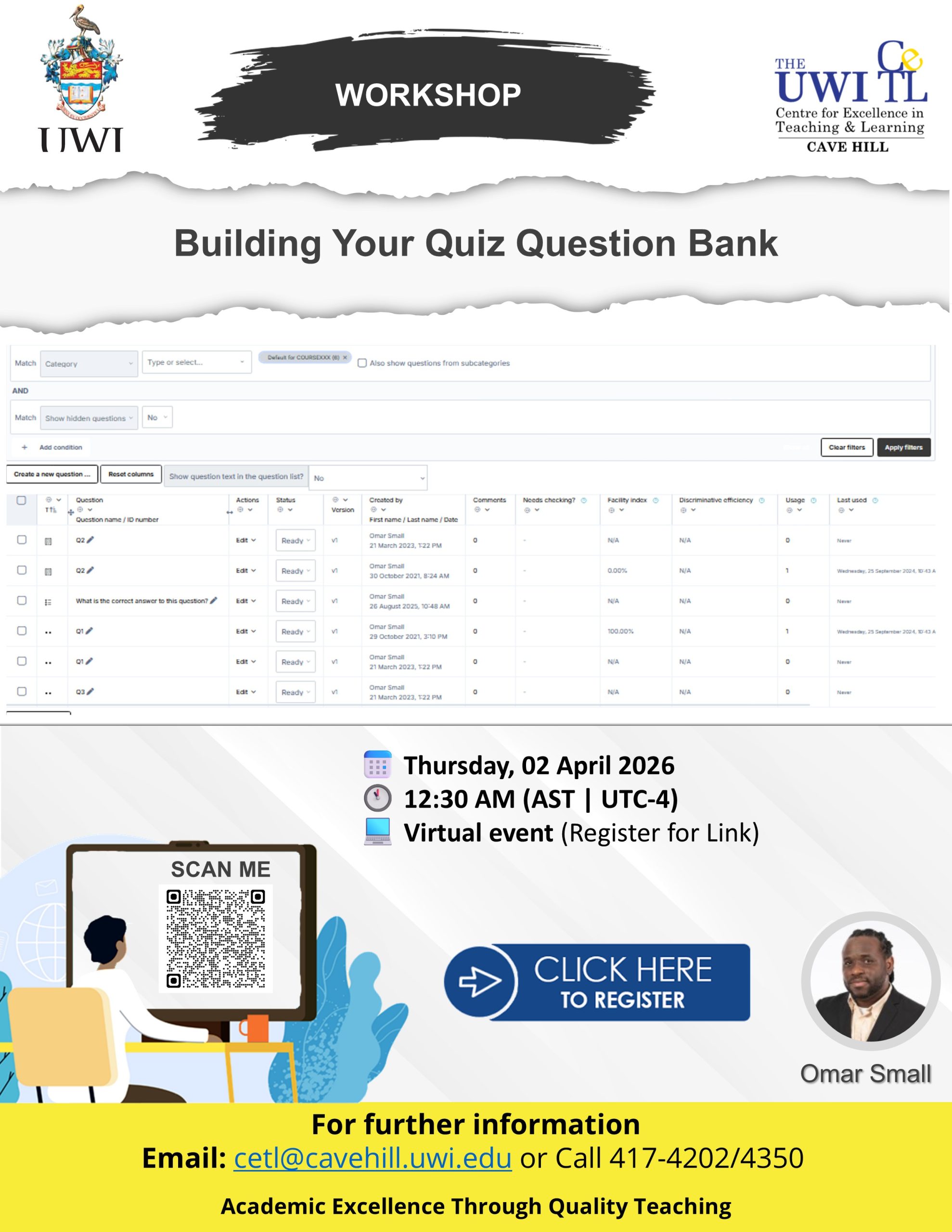
In addition to configuring your quiz settings to curb collusion, you may also consider the aforementioned quiz design tips in optimizing your quiz for learning and assessment. The CETL is happy to announce the upcoming workshop Building Your Quiz Question Bank. Scheduled for Thursday, April 02nd, 2026 at 12:30 p.m., this session will explore more efficient and effective strategies for building and maintaining various quiz question-banks in MyCaveHill eLearning. By the end of this hands-on workshop, you will be able to:
Manipulate tools and question formats for offline editing.
Create multiple-choice, true/false, short answer, matching, numerical, and essay questions.
Prepare custom quizzes using questions from carefully curated question bank categories
Evaluate categories, question types, and organizational strategies for MyCaveHill eLearning Question Banks
To register for this session, please click on the following weblink or image: