

Hi Everyone! We want to begin this blog post by providing you with some encouragement. In the midst of administering various assessments, grading students’ submissions while fulfilling your other duties/responsibilities, things can seem a bit stressful or overwhelming. But always remember your labour is not in vain. Gratitude may not always be overtly or immediately expressed by others but always remember you matter, your sacrificial service matters, and the greatest impact is evidenced by the priceless difference you make in the lives of your students, thus shaping the future! #BeEncouraged!
A – What are Turnitin Assignments?
Available through MyCaveHill eLearning,Turnitin is an online plagiarism detection and academic integrity software used by educational institutions to compare student assignment submissions against large databases. These databases comprise online content, academic publications, and previously submitted student work. Upon submission of students’ assignments into Turnitin, the software generates a "Similarity Report" that highlights any matching text, phrases or citations used in the submission, thus helping instructors identify potential plagiarism, improper citation, or AI-generated content.
To access Turnitin, you can use the following procedure:
Go to https://myelearning.cavehill.uwi.edu/login/index.php, login to your account and navigate to your desired course
B – The Importance of Feedback in Assessments
Feedback is an important part of the teaching and learning process/experience. More so within the context of 21st century education and contemporary and proficiency-based assessments, it is tantamount to student’s achievement (Hattie, 1999). In order to reap the maximum benefits, it is important that feedback is timely, constructive and meaningful:
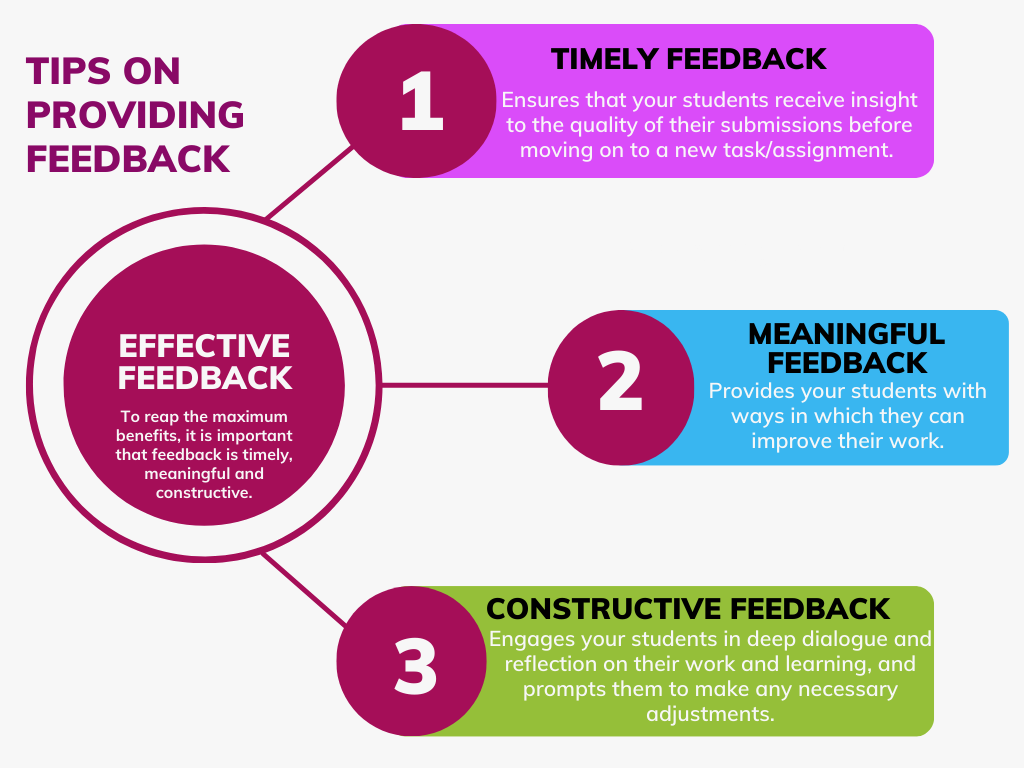
Timely Feedback: Ensures that your students receive insight to the quality of their submissions before moving on to a new task. Ideally, this may be within 2-4 weeks after they have submitted an assignment (or before a subsequent task/assessment).
Constructive Feedback: Goes beyond just identifying the mistakes/shortcomings in your students’ submissions. In addition to identifying the strengths and weaknesses of students’ assignment-submissions, constructive feedback should also provide your students with ways in which they can improve their work. This may prompt them to reflect more deeply and think critically about their work and thereby improve the quality of their submissions. Additionally, constructive feedback facilitates students’ meta-cognition, and enhances their satisfaction and motivation in the teaching and learning experience.
Meaningful Feedback: Targets students’ individual learning needs. In so doing, meaningful feedback engages your students in deep reflection on their work and learning, and prompts them to make any necessary adjustments. It may also provide the impetus for meaningful dialogue between you and your students. Meaningful feedback prompts your students to act on your feedback and thereby improve their work and learning.
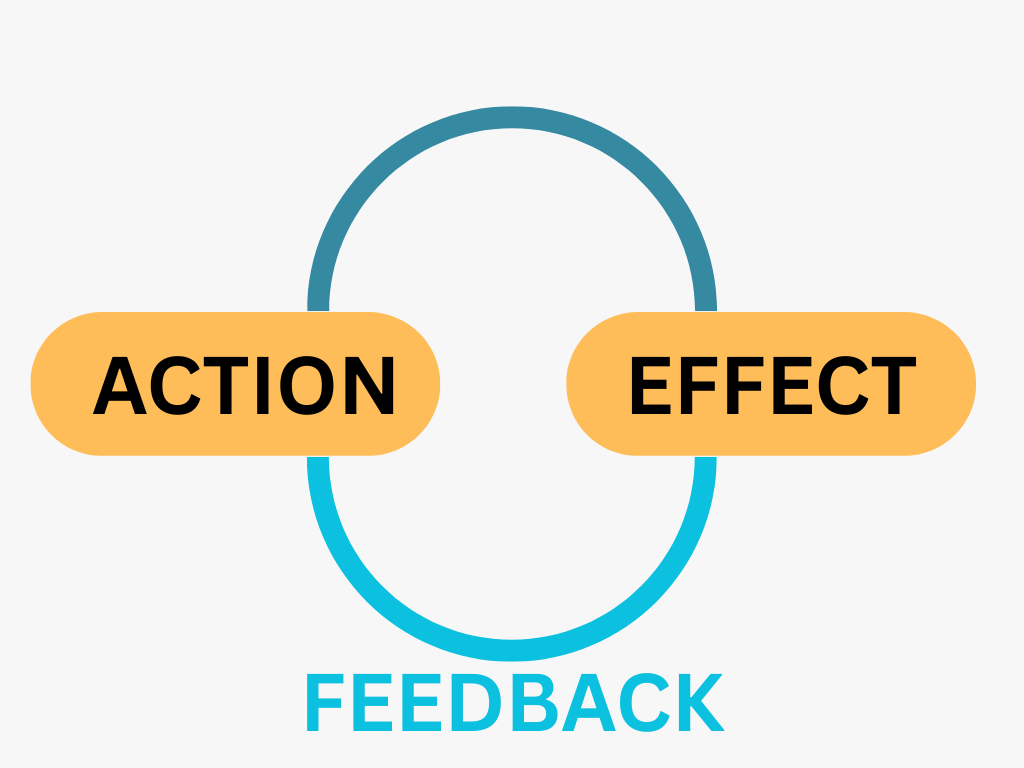
When feedback is timely, constructive and meaningful, it provides a wide range of benefits for you and your students as it:
Helps students understand how/why their mark was derived
Guides students on improving their work
Develops students’ metacognition and thereby monitor, evaluate and regulate their own learning (Nicol, 2010)
Motivates students to implement or act on the feedback for their learning and improvement.
C – Using Turnitin Feedback Studio
While the Turnitin platform allows you to identify the sources of information students may use/include in their assignments, more recent updates now allow you to provide students with timely, constructive and meaningful feedback. Moreover, you can use different media/formats (e.g. in-text comments or audio files) to provide your students with feedback via the Turnitin Feedback Studio. This feature is more applicable after you have created your Turnitin assignment activity and students have submitted their assignments through Tuirnitin.
The UWI’s eLearning Committee hosted a session on Turnitin Feedback Studio. We are happy to provide you with the recording of this cross-campus webinar, as you may also be interested in providing your students with the timely, constructive and meaningful feedback they need. The recording can be accessed via the link below. For your convenience, we have also included additional resources on creating a Turnitin Assignment below as well. This may be particularly useful if you are using Turnitin for the first time.
📽️Using The Turnitin Feedback Studio [⌚62 mins]
D – Turnitin and AI Detection
In addition to the aforementioned, Turnitin offers additional features including Artificial Intelligence (AI) detection. Although it still requires you as the educator to review the report/assessment and verify the issues that are flagged (e.g. potential plagiarism or AI generated content), the Turnitin platform may signal possibly AI-generated content and/or ethical concerns in students’ assignment submissions, and may therefore help you in grading and providing feedback.
To learn more about Turnitin and its AI detection capabilities, the CETL is happy to announce the upcoming workshop Turnitin and AI Detection. Scheduled for Thursday 12th March, 2026 at 12:00 PM, this session will explore the various features of Turnitin’s AI Detection, demonstrate its use and answer any questions or queries you may have along the way. To register for this session, please click on the following weblink or image:

Zoom Link: https://turnitin.zoom.us/j/97543049467?pwd=rTPbDCtI81m5aSHFyIg6nIH6fzdNFB.1&jst=2Joining
We hope the aforementioned tips and resources are helpful to you.
Should you need any further assistance, please feel free to contact us.


